
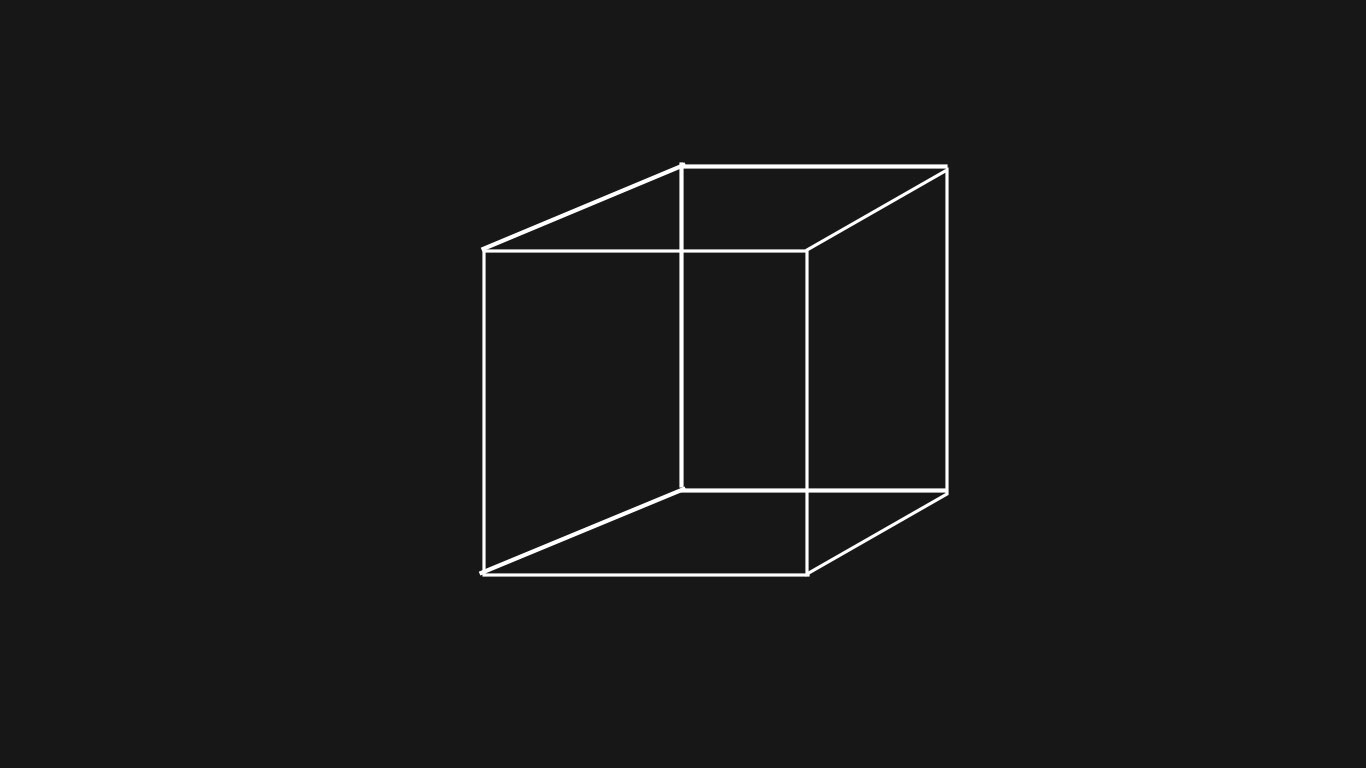
The modern web is no longer limited to flat interfaces and static pages. With advances in browser performance and graphics APIs, interactive 3D experiences have become practical, fast, and widely accessible. Two tools stand out for creators who want to build those experiences: Three.js and Blender.
Together, they form a powerful pipeline: Blender for creating high-quality 3D assets, and Three.js for bringing them to life in the browser.
Why 3D on the Web Matters
Users increasingly expect richer digital experiences. Product showcases, interactive storytelling, architectural walkthroughs, educational simulations, and branded microsites all benefit from spatial interaction.
Instead of showing users a static image, you can let them:
- Rotate a product in real time
- Explore a virtual environment
- Interact with animated scenes
- Experience responsive visual effects
- Engage longer with immersive content
This is where Three.js becomes valuable.
What is Three.js?
Three.js is a JavaScript library that simplifies working with WebGL, the browser technology used for rendering 3D graphics.
Without Three.js, developers would need to manage shaders, buffers, matrices, cameras, lighting systems, and rendering pipelines manually. Three.js abstracts much of that complexity.
With relatively little code, you can create:
- 3D scenes
- Cameras and lighting
- Real-time animation
- Physics integrations
- Particle systems
- Interactive controls
- Post-processing effects
A basic scene might include:
const scene = new THREE.Scene();const camera = new THREE.PerspectiveCamera(
  75,
  window.innerWidth / window.innerHeight,
  0.1,
  1000
);const renderer = new THREE.WebGLRenderer();
renderer.setSize(window.innerWidth, window.innerHeight);
document.body.appendChild(renderer.domElement);
That foundation can scale into highly polished production experiences.
Why Blender Complements Three.js
Three.js handles rendering and interaction. Blender handles creation.
Blender is one of the most capable open-source 3D suites available today. It supports:
- Modeling
- Sculpting
- UV mapping
- Texturing
- Rigging
- Animation
- Simulation
- Lighting and rendering
For web developers, Blender solves a critical problem: creating professional-grade assets without relying entirely on third-party marketplaces.
You can build:
- Custom product models
- Stylized characters
- Architectural interiors
- Motion graphics elements
- Animated logos
- Environment props
Then export them for the web.
The Ideal Workflow: Blender → glTF → Three.js
The most common production workflow looks like this:
1. Build the Asset in Blender
Create and optimize the model. Keep polygon counts reasonable for browser performance.
2. Apply Materials and Animations
Use PBR materials where possible. Create skeletal or timeline animations if needed.
3. Export as glTF / GLB
glTF is often called the “JPEG of 3D.” It is efficient, modern, and well-supported by Three.js.
4. Load in Three.js
const loader = new GLTFLoader();loader.load("model.glb", (gltf) => {
  scene.add(gltf.scene);
});
5. Add Interaction
Rotate objects, trigger animations, respond to scroll, mouse movement, clicks, or device motion.
Performance Considerations
Beautiful 3D means nothing if it stutters. Optimization is essential.
In Blender:
- Reduce unnecessary geometry
- Use texture atlases
- Bake lighting where possible
- Compress textures
In Three.js:
- Use lazy loading
- Enable frustum culling
- Limit shadow complexity
- Optimize render loops
- Use Draco or mesh compression
Performance is part art, part engineering.
Real Use Cases
E-Commerce
Let customers inspect products from every angle.
Portfolios
Designers and developers can present work in immersive ways.
Education
Explain scientific or mechanical systems through interaction.
Marketing Campaigns
Create memorable branded experiences that outperform static landing pages.
Games and Simulations
Three.js can power lightweight browser games and prototypes.
Why This Stack Is So Popular
Three.js + Blender works because it combines:
- Creative freedom
- Strong developer control
- No expensive licensing barriers
- Cross-platform delivery
- Massive community support
Blender gives artists power. Three.js gives developers precision.
That combination is rare.
Final Thoughts
The future of the web is increasingly visual, interactive, and real-time. If you want to build experiences that feel modern and memorable, learning both Three.js and Blender is a smart investment.
Use Blender to craft the world.
Use Three.js to make it move.
Together, they let you turn the browser into a canvas for immersive design.